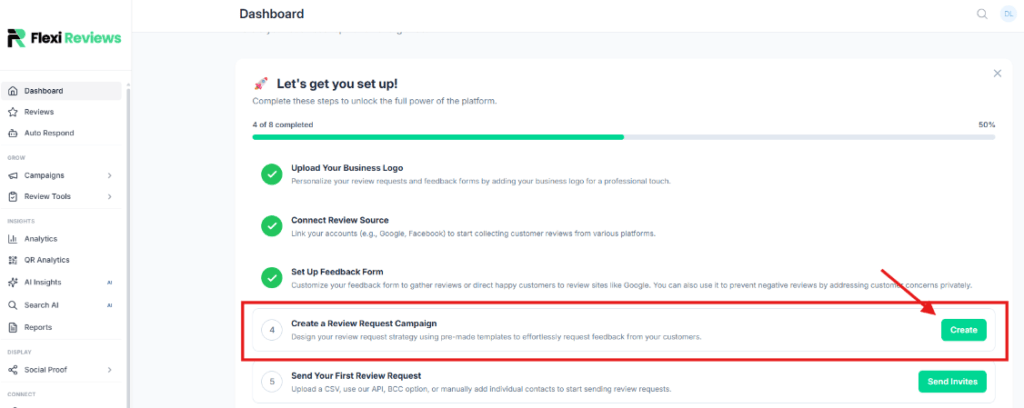
Now we will create a campaign for review request for this you click on the create button of this.
Now one popup will come where you give the name of your campaign and select your feedback form then click on the create button.
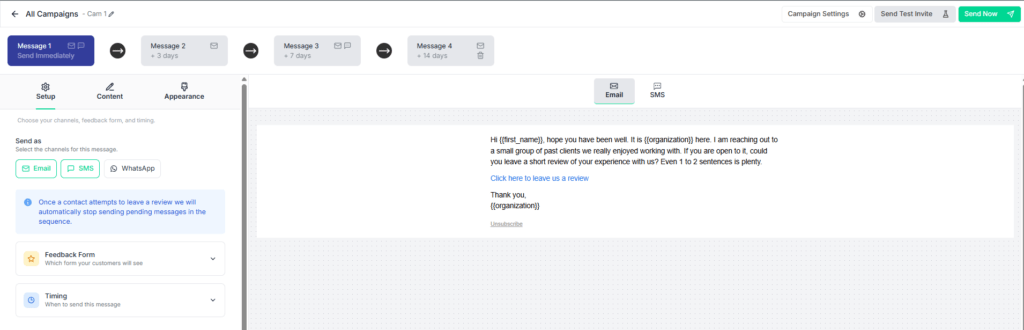
You will redirect to this page first go to the setup section where you can select your send option such as sms, whatsapp and select your form and wait time to send a review request.
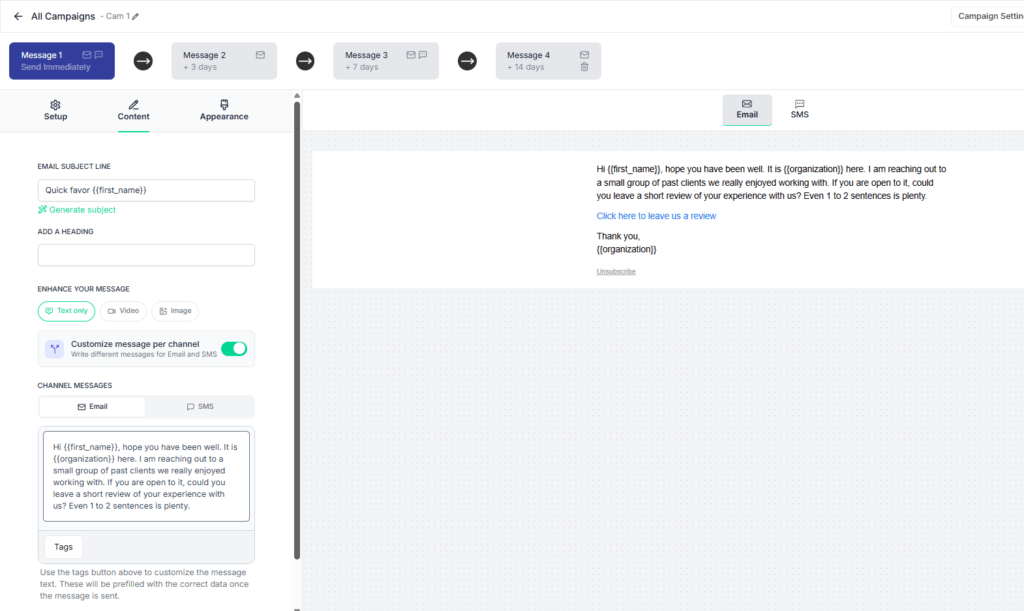
Now go to content section here you can write message for campaign with subject
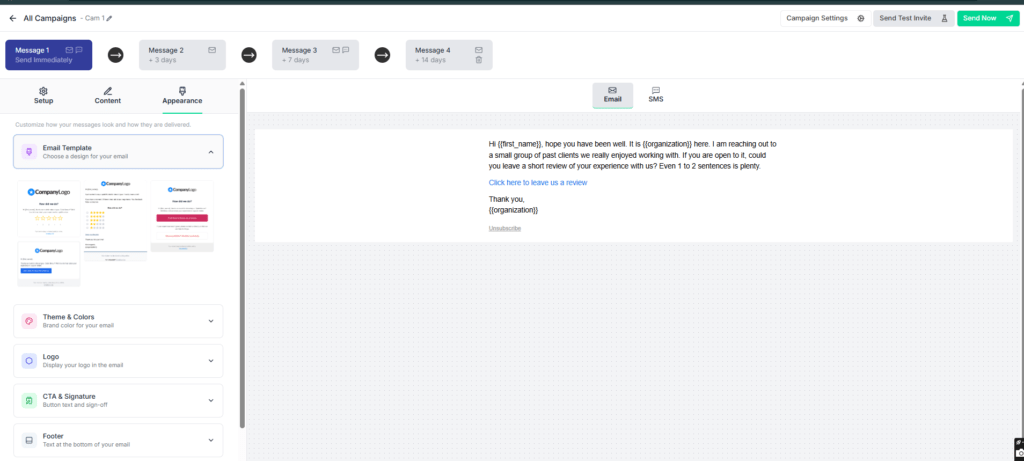
Now go to appearance section where you can design your message template for this go to email template section where you can see prebuilt templates so you can choose any one.
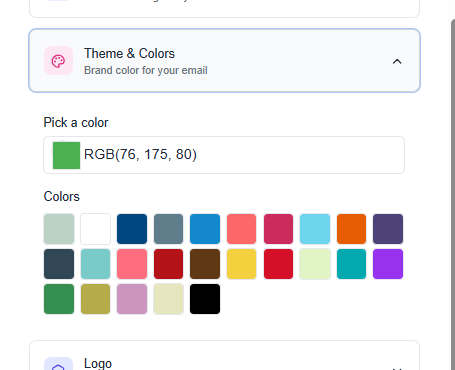
Now you can update your template colour from theme & colour section
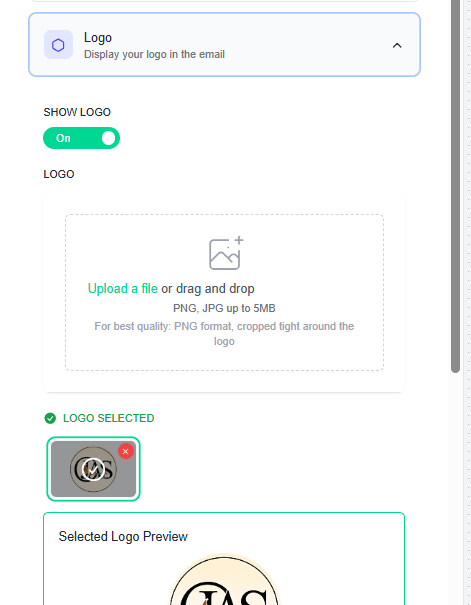
Now enable logo to setup on your email template.
Now update content for footer section with footer setting
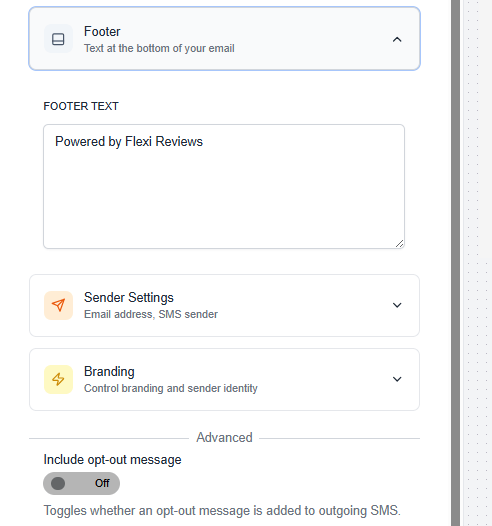
Now next you have to setup sender setting where you can setup email and sms setting where you want to get reply from client.
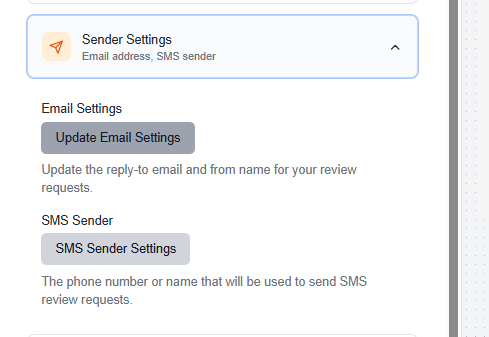
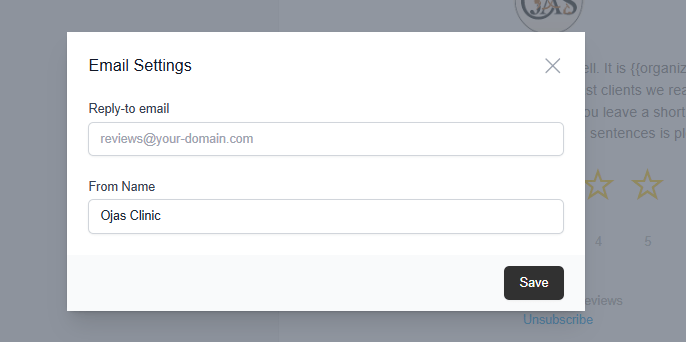
When you click on the update email setting button the popup will come here you can fill your email in which you want to receive an email reply.
For SMS reply you can update your number if its not editable so you can connect with admin.
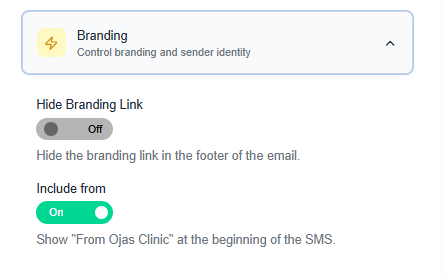
Now for branding setting disable the ‘hide branding link’ option so our flexi review branding will visible to all emails footer. And enable ‘include from’ button so in sms our client branding will visible.