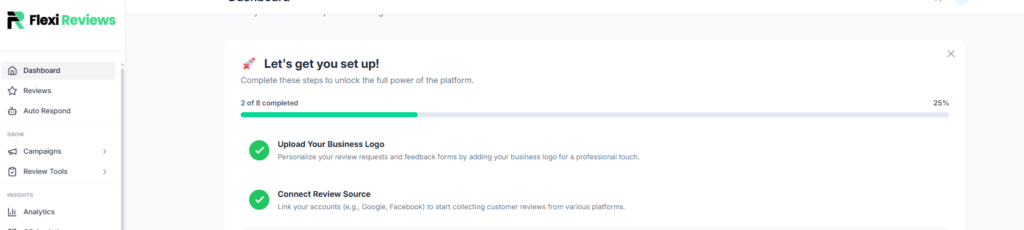
Now we will create a feedback form which we use for collecting and filtering reviews from customers. So click on the create button.
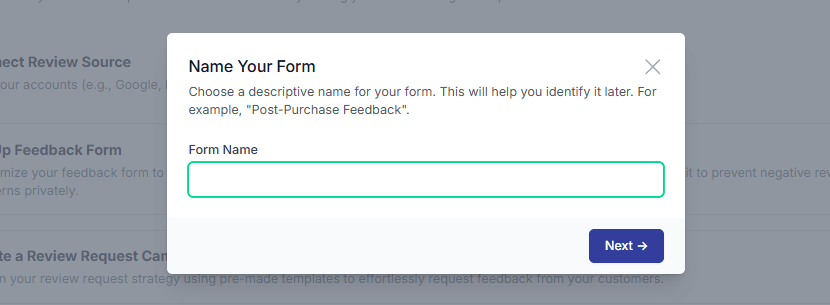
Then a popup will open where you give your form name and click on the next button.
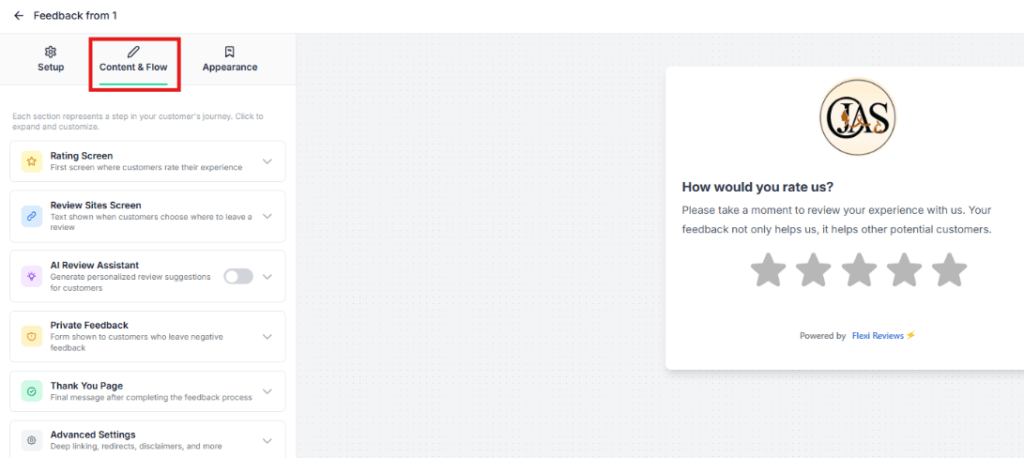
Then you will redirect to the feedback form editing dashboard where you can create or edit your feedback form with multiple settings.
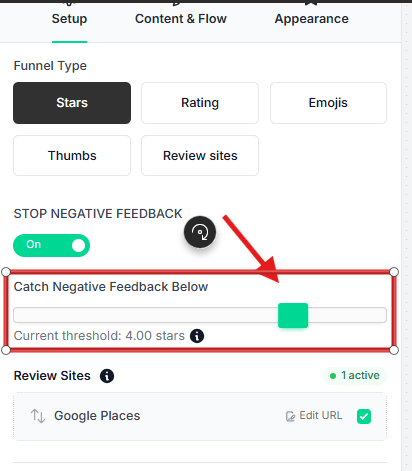
Now you have a first option in the setup section is funnel type, where you can select 5 different type of funnel so you can choose according to you here we use ‘stars’ type funnel.
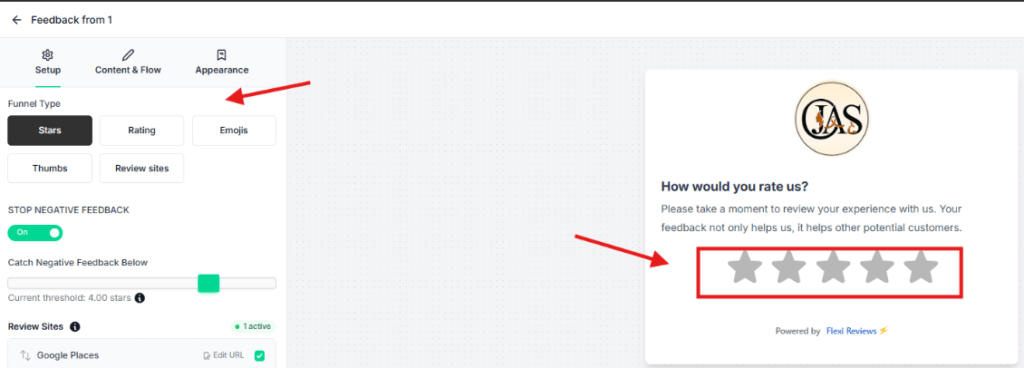
Now setup limit for positive feedback or rating according to number of start rating, we setup 4 star so above this we consider positive reviews and they will redirect to reviews stage and below 4 rating we consider low or negative reviews so they will redirect to private form.
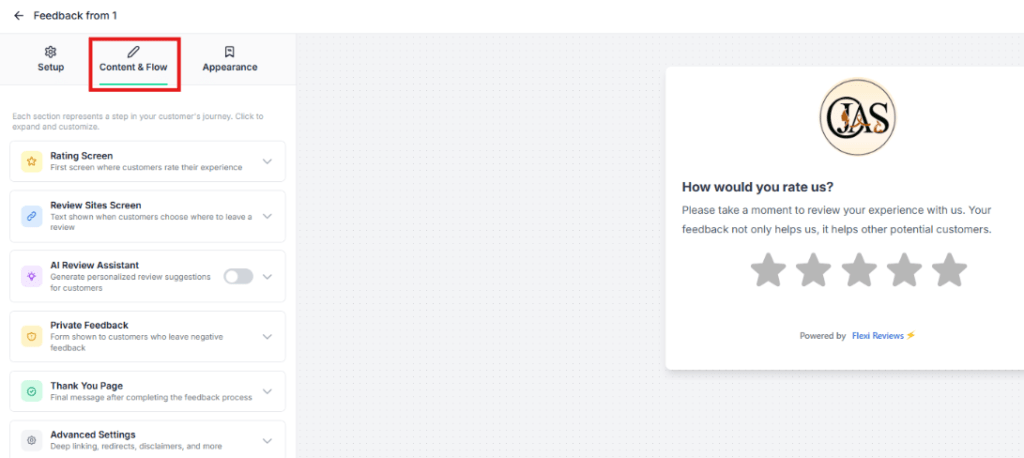
Now click on Content & Flow section here we can setup review page content and flow and other settings for feedback form.
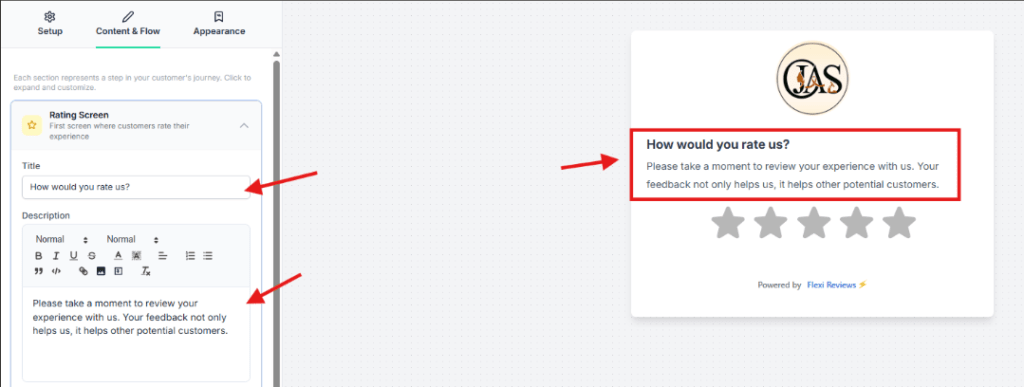
So first we update or edit rating screen text by clicking the rating screen tab.
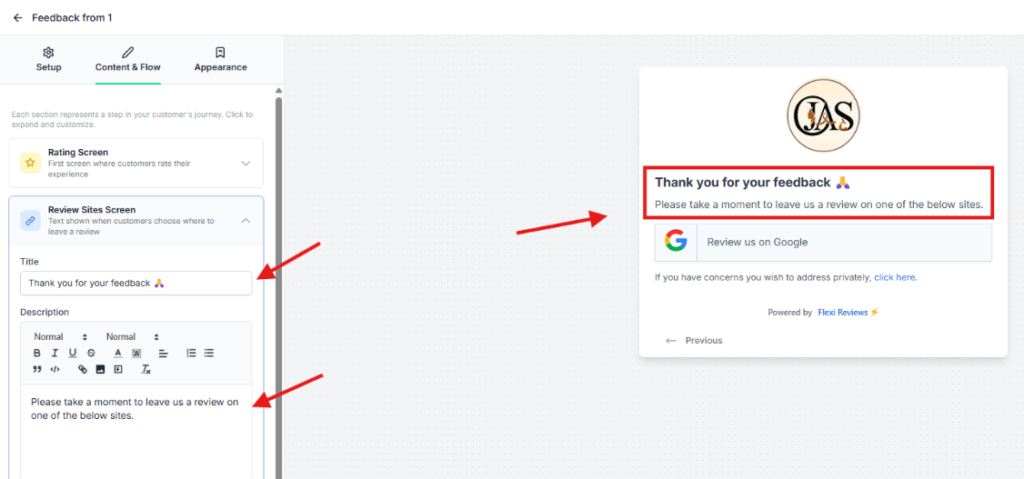
Now update or edit content of reviews site screen
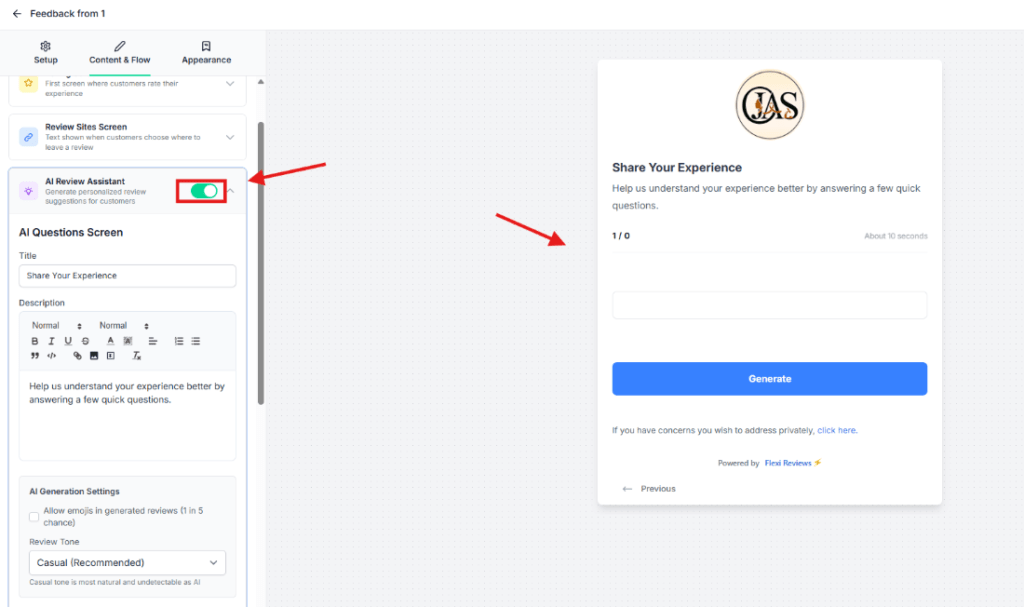
Now we setup AI Review Assistance in our feedback from, for this first we enable the Ai reviews assistance button, so here you see many option or settings for this feature
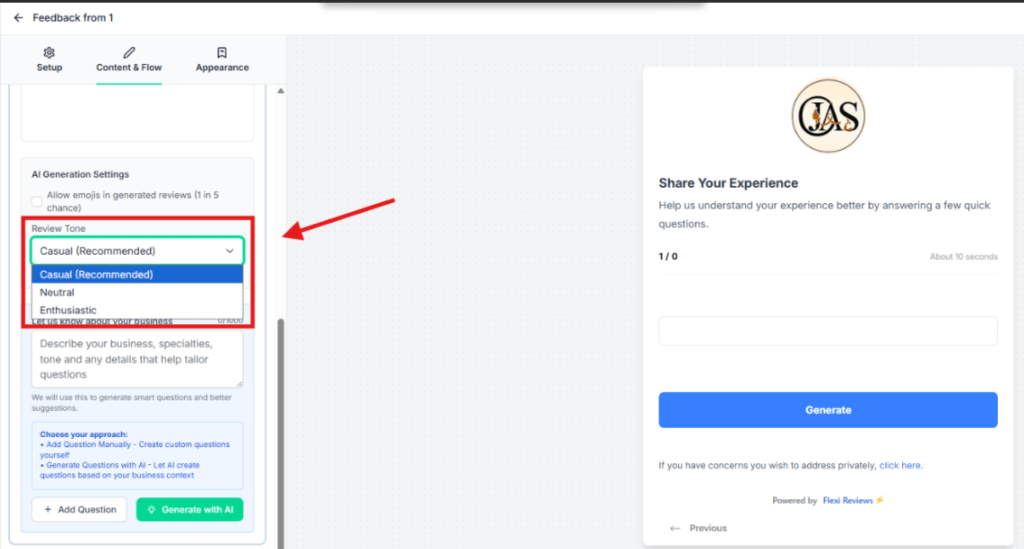
Then we select tone of our review in between 3 option (casual, natural, enthusiastic) so you can choose any one according to your need we select ‘natural’.
Now next we give details about our business in 1000 characters which help AI to understand our business. Best practice: I prefer to copy your GMB About content and paste it here.
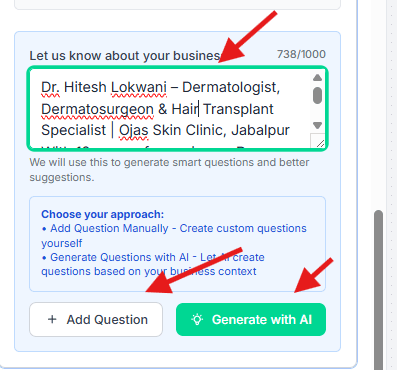
Now we add 3 mcq Question which helps AI to generate reviews, so here you have 2 option Add question manually or generate with AI but mostly cases ‘AI generate question’ are generic so we prefer ‘add question’ manually so for this we go to chat gpt or claud and give prompt to generate question. I also provide prompt for this below